
Mobile app development · Singapore
Mobile app development in Singapore
Native Kotlin and Swift builds, cross-platform delivery with React Native and Flutter, and an honest answer about whether your product needs an app at all. Innomedia Technologies works with teams across Singapore and the region.
An app is a bigger commitment than most teams expect
Both app stores run review processes, both platforms have their own conventions, and a released app needs maintenance for as long as people use it. None of that is a reason to avoid an app — it is a reason to go in with a clear picture of what you are taking on.
Innomedia Technologies builds native and cross-platform apps for businesses in Singapore and the region. This page sets out the stacks we use, the tradeoffs between them, and how to decide whether an app is the right investment for your product at all. If a mobile-optimised website covers your needs, we will say so before quoting a build.
What we build
Android, iOS and cross-platform apps, plus the backend each one talks to.
How we start
A short call about the product goal and target platforms before any estimate.
Four stacks, and what each one is actually good at
Read down the rows for the tradeoffs; read across for the tools
Native Android
Kotlin, backed by Google
Kotlin is the standard language for modern Android development, and Google backs it directly. Native Android builds get the tightest access to device features, background services and platform updates, and they tend to hold up better under load than cross-platform equivalents.
Choose native Android when the app depends on hardware, when performance is a core requirement, or when the product is Android-first for its market.
Native iOS
Swift, Apple's own language
Swift remains the core of native iOS development for iPhone and iPad. Apps that need platform-specific polish, smooth animation and close integration with iOS features are usually better served by Swift than by a cross-platform layer.
The cost is real: a separate iOS codebase means a separate build, test and release cycle. For iOS-first products, that cost is often justified.
Cross-platform
React Native and Flutter
React Native builds iOS and Android apps from a shared codebase, which suits startups and SME products that need to reach both stores without doubling the engineering budget. Flutter is Google's UI toolkit for the same job and renders its own interface components.
The tradeoff appears when the app needs deep device integration or heavy custom rendering, where a native build usually handles it more predictably.
Cross-platform delivery
React Native for reaching both stores on one budget
React Native builds iOS and Android apps from a shared codebase. It suits startups and SME products that need to reach both stores quickly without doubling the engineering budget, and it is widely used in Singapore agency work for exactly that reason.
The tradeoff appears when the app needs deep device integration or heavy custom rendering, where a native build usually handles it more predictably. We will tell you when a shared codebase stops being the cheaper option — that point usually arrives earlier than teams expect, and it is better to know before the first release than after it.
Flutter, when the interface has to look identical everywhere
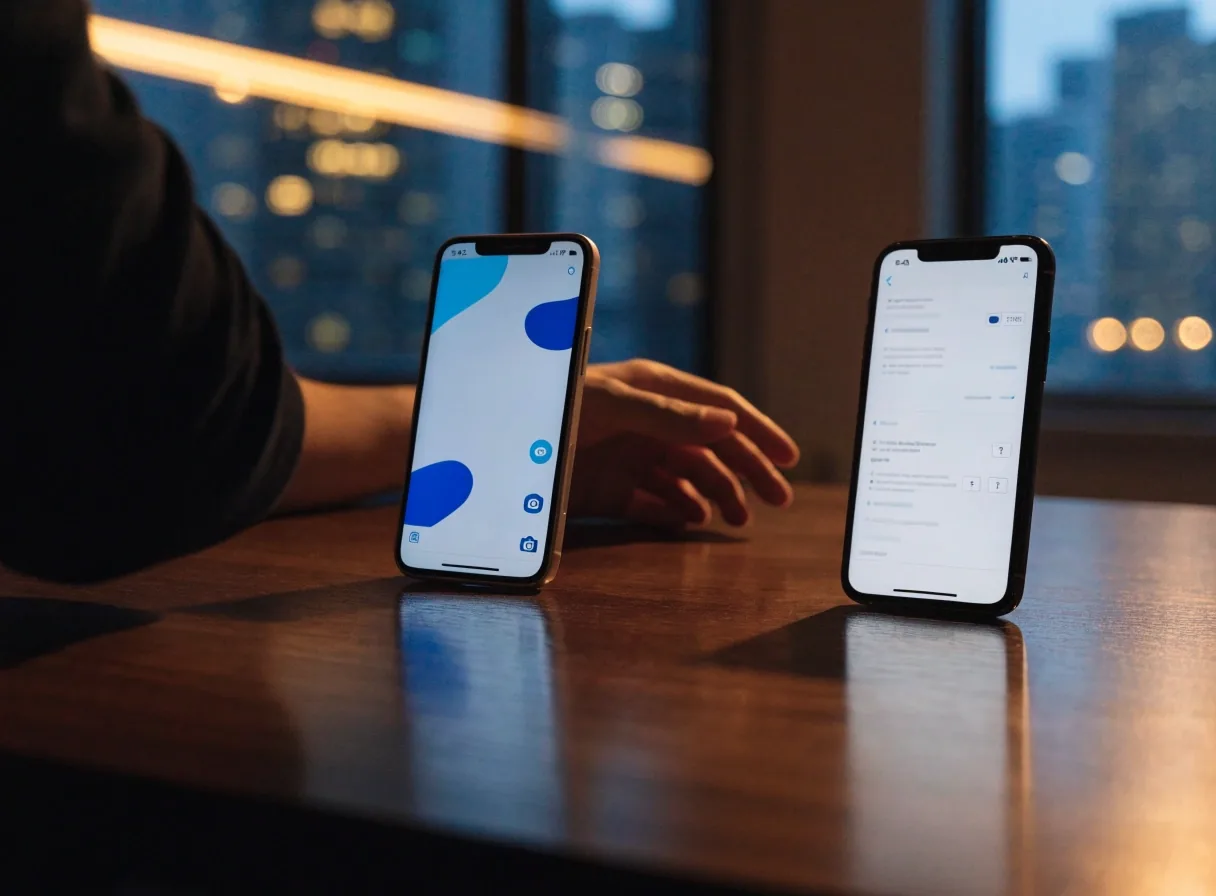
Flutter is Google's UI toolkit for cross-platform apps, and it renders its own interface components. That means the app looks and behaves the same across devices and OS versions, which is valuable when design consistency is a priority. Teams that want one codebase and a predictable visual result across platforms tend to find it a good fit.
It is also associated with fast UI iteration, so screens can be reshaped during build without waiting on a full release cycle. The cost is a heavier app binary and a rendering layer you maintain, which matters if you are targeting low-end Android devices.
Where it fits best
Products with a designed, brand-heavy interface, or teams that need the same screen to hold up on both platforms and several Android versions at once.
One codebase
A single build serves iOS and Android, which keeps the release calendar shorter than two native tracks.
Same look everywhere
The toolkit draws its own components, so a screen does not drift between iOS and Android versions.
Faster interface work
Layout and interaction changes can be turned around during the build rather than queued for a later release.
What to weigh
A heavier binary and an extra rendering layer to maintain, which shows up on older or cheaper Android hardware.

Do you need an app at all, or a mobile-optimised website?
This question should be answered before any code is written. A responsive website covers most business needs at a fraction of the cost. An app earns its place when push notifications, offline access, camera or sensor use, or app-store presence drive real value.
If none of those apply, a well-built mobile site usually wins on cost and on the maintenance you carry afterwards.
Store submission, release and the months after
Both Apple and Google review submissions, and both reject apps that fail their guidelines. Planning for review time is part of the schedule, not an afterthought.
-
Before submission
Store guidelines get read against your feature list early, so anything that would trigger a rejection is changed while it is still cheap to change.
-
During review
Review windows are built into the launch date rather than discovered when the build is finished. If a submission comes back with questions, the response is planned, not improvised.
-
After release
Apps need OS compatibility updates as Apple and Google move their platforms, plus periodic dependency upgrades to keep the codebase buildable.
-
Maintenance window
We agree the release process and the maintenance window before launch, so there is no surprise in month three about who keeps the app current.
Scoping
How we scope an app project
Scoping covers the platform targets, the feature list for the first release, and the backend the app talks to. It is the part of the project where the biggest decisions are still cheap.
Platform targets
Which stores you need on day one, which can wait, and whether a shared codebase is the right call for that combination.
First-release features
Deliberately kept small. We get the app into users' hands because real usage changes the roadmap faster than any planning session.
The backend behind it
Accounts, data and integrations the app depends on, including whatever already exists inside your business today.
Later releases
Built on feedback from the first release, not on a feature list written before anyone used the product.
If you are still deciding between an app and a mobile site, or between native and cross-platform, say so on the first call. An honest scoping conversation costs far less than rebuilding the wrong thing.
Questions teams ask before starting
Short answers to the things that come up most often on a first call. If yours is not here, ask it directly.

Should we build native or cross-platform first?
If both stores matter and the feature list is ordinary, cross-platform with React Native or Flutter usually gets you there sooner. If the app leans on hardware, background services or heavy animation, native Kotlin and Swift are more predictable. We will say which side of that line your product falls on rather than defaulting to one.
How long does app store review take?
Review windows vary by store and by how unusual your app's permissions are, so we build review time into the launch schedule instead of treating it as a formality at the end. Anything that could draw a rejection gets looked at while it is still cheap to change.
Can you work with a backend we already have?
Often yes. Scoping includes the backend the app talks to, so we look at what you already run and decide whether the app should connect to it as-is, sit behind a small middle layer, or whether part of it needs rebuilding for mobile traffic. That decision is made before the feature list is fixed.
What happens after the app is released?
A released app is not finished software. Apple and Google move their platforms, dependencies age, and new device sizes arrive. We plan the release process and the maintenance window before launch so you know what keeping the app current involves and who is doing it.
Do you also handle design and the website side?
Yes. Innomedia Technologies also covers web development, UX/UI design and e-commerce work, so an app does not have to be scoped in isolation from the rest of your digital product. You can read more about those services before the first call if it helps you frame the conversation.
Talking to our Singapore app team
Innomedia Technologies Pte Ltd is based at #06-04, Westech Building, Pandan Loop, Singapore 128424. App projects usually begin with a call about the product goal and the target platforms. Phone 6163442753 or email [email protected] to set that up.
Address
#06-04, Westech Building, Pandan Loop, Singapore 128424
Phone
6163442753
Mon–Fri, 9:00 AM – 6:00 PM
Also on this site: Web Development, UX/UI Design and E-Commerce Solutions.